FAQs

A hand holding a mobile phone with the myAudi app displayed on its screen

How do I set up Predictive Maintenance?

Predictive maintenance proactively monitors vehicle health and automatically send service request to the chosen Audi Centre when vehicle service is due or if additional wear and tear parts require servicing and gives a detailed status of condition of wear parts on the vehicle. Predictive Maintenance runs on the latest models. From New A5 onwards.
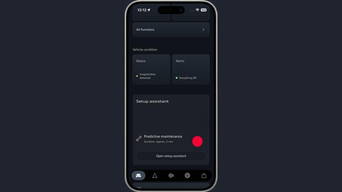
The myAudi app displaying the 'Open setup assistant' button

Step 1

From the vehicle tab, select ‘Open Set-up Assistant’

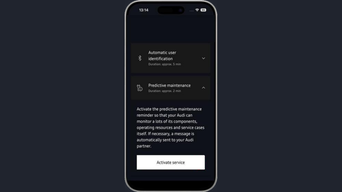
The myAudi app displaying the 'Activate Service' button

Step 2

Select ‘Activate Service’

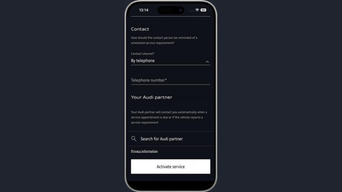
The myAudi app displaying the 'enter your contact details & select your Audi Centre' button

Step 3

Enter your contact details & select your Audi Centre

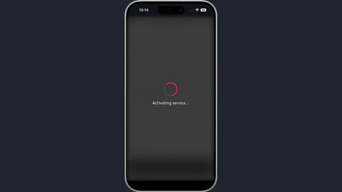
The myAudi app displaying activating Predictive Maintenance

Step 4

Predictive Maintenance is activated

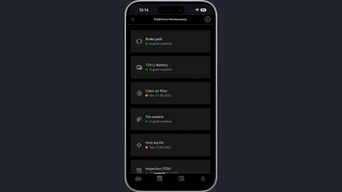
The myAudi app displaying the ready Predictive Maintenance screen

Step 5

You will be able to see the live "Wear & Tear" parts status, and you will be able to schedule an appointment for the specific part which requires maintenance.

Get the myAudi app

The Google Play store on a mobile phone displaying the the myAudi app information

Get myAudi on Android

Need help?

We have a dedicated myAudi team on hand  to help with any questions you may have.

Call us on 0860 434 838 or view our FAQ’s

Email: support@audiforum.co.za


Loading..